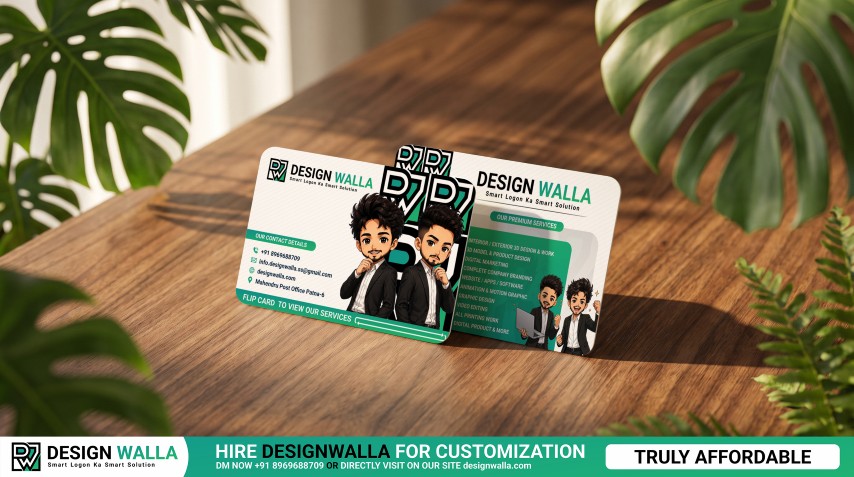
Rounded Business Card Mockup – Front & Back Card Display
Description
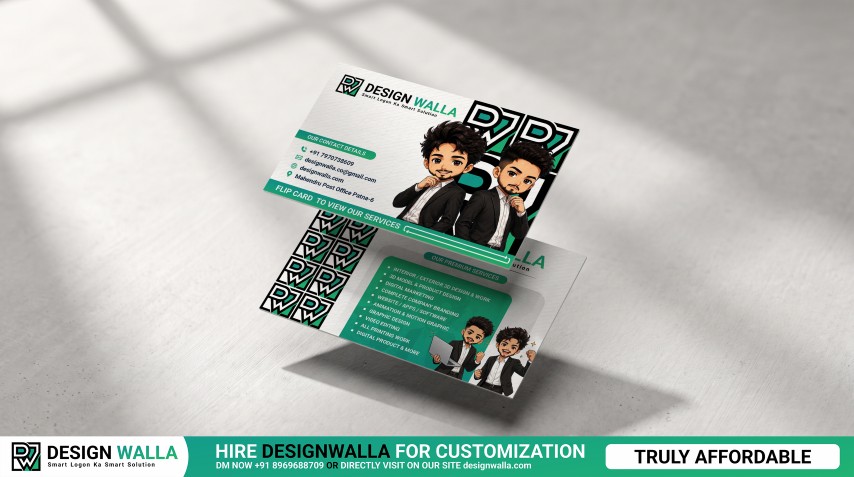
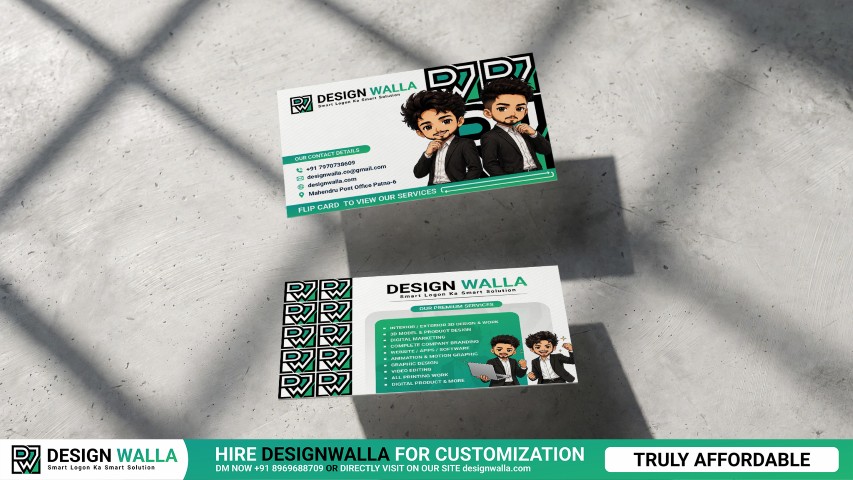
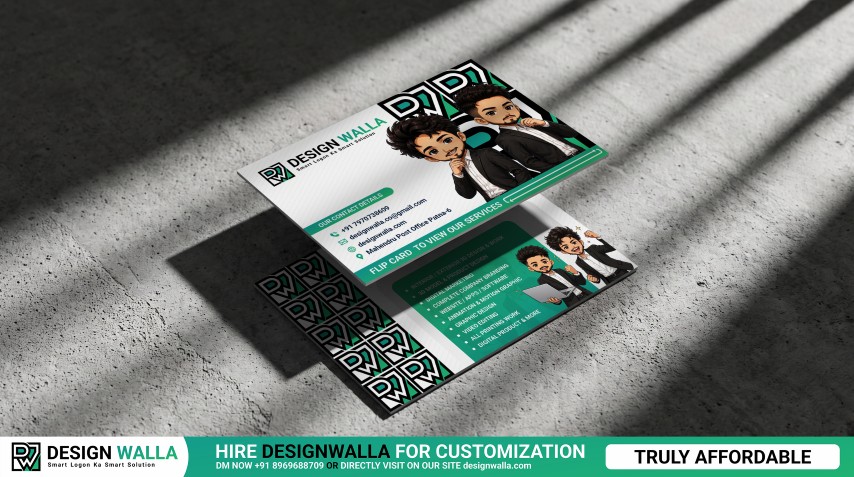
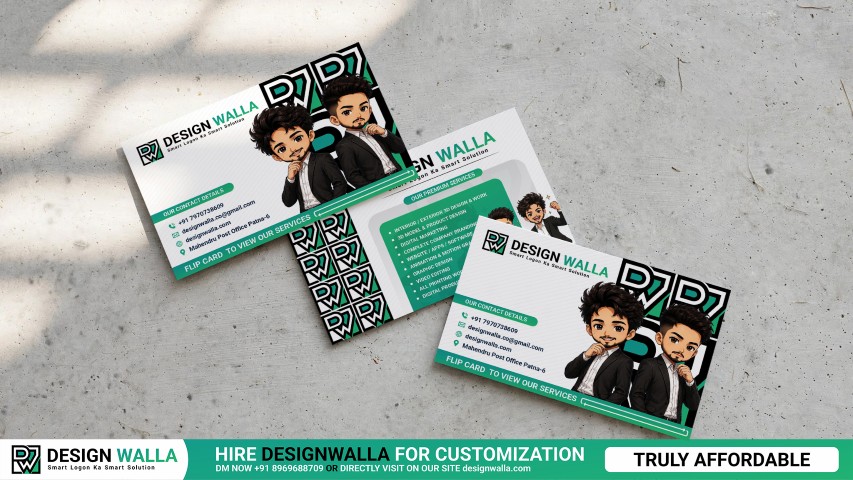
Present both sides of your business card design in a single realistic Photoshop mockup. This setup features two rounded-corner cards positioned together, allowing you to showcase the front and back artwork at the same time. It is especially useful for business cards containing separate contact information, service details, QR codes, brand messaging, illustrations, or promotional content on each side. The tabletop presentation gives the design a polished branding look and works well for client approvals, identity presentations, portfolio projects, business stationery showcases, and social media creatives. Note: Original image was AI-assisted using Google Flow and Google Gemini. The final mockup has been manually modified, refined, and converted into a psd by us. Credit to Google Flow and Google Gemini for the initial concept.
Specifications
- Front & Back Showcase: Display both sides of a business card design together without needing separate mockup scenes.
- Rounded Corner Design: Smooth card edges give the presentation a modern and contemporary finish.
- Dual Card Arrangement: The overlapping placement creates a practical way to compare front and reverse-side layouts.
- Information-Rich Layout Support: Suitable for cards containing contact details on one side and services, offers, or business information on the other.
- Brand Identity Presentation: Ideal for showing complete visual identity systems rather than only a logo or front layout.
- Tabletop Display: The wooden surface provides a natural setting for presenting professional stationery designs.
- Creative Branding Use: Works particularly well for agencies, freelancers, startups, consultants, designers, and service-based businesses.
- Portfolio Ready: Useful for branding case studies, client presentations, social media posts, and online design portfolios.
- Smart Object Workflow: Replace the card artwork quickly in Photoshop while retaining the realistic perspective and presentation.